Introduction
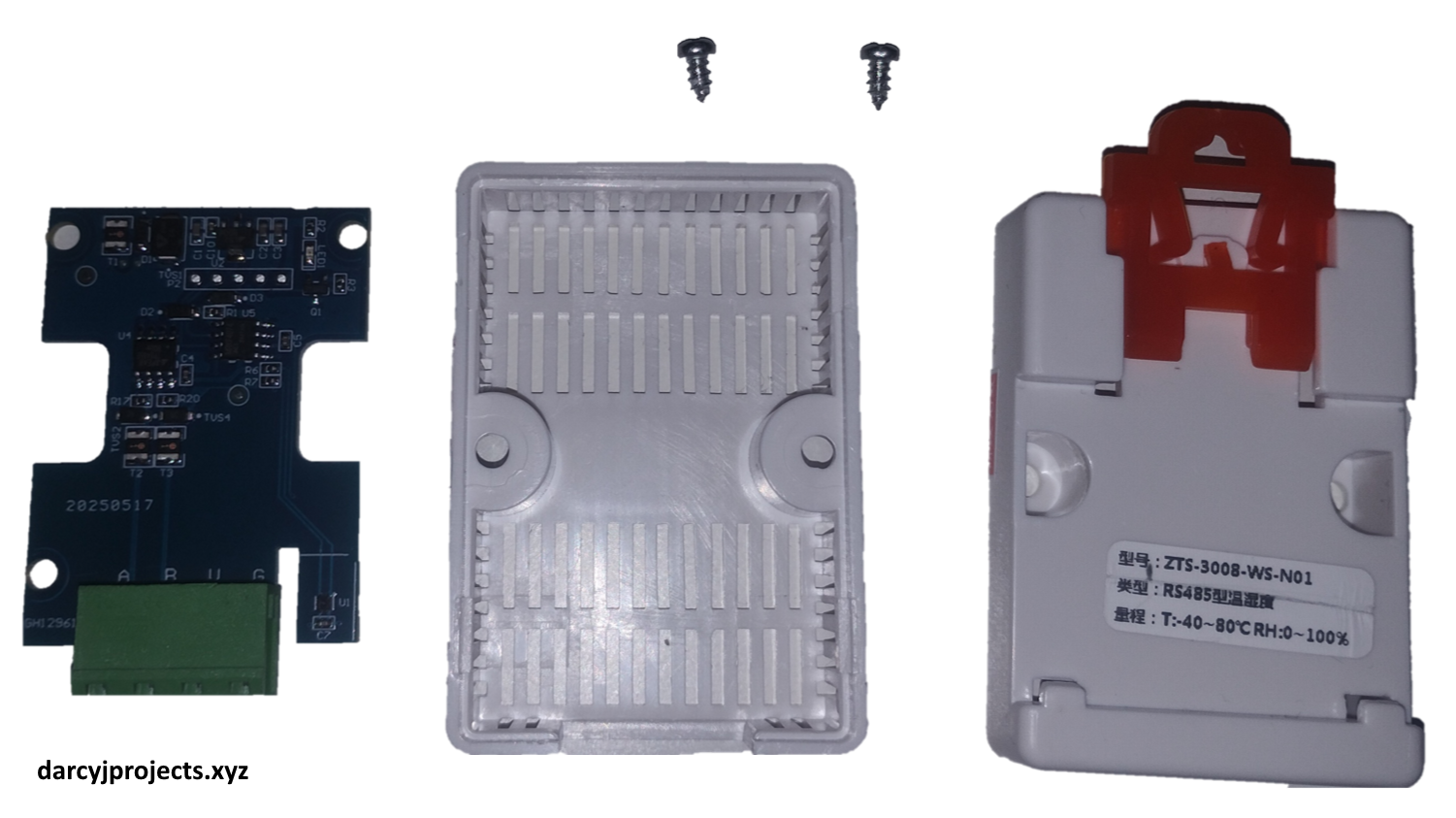
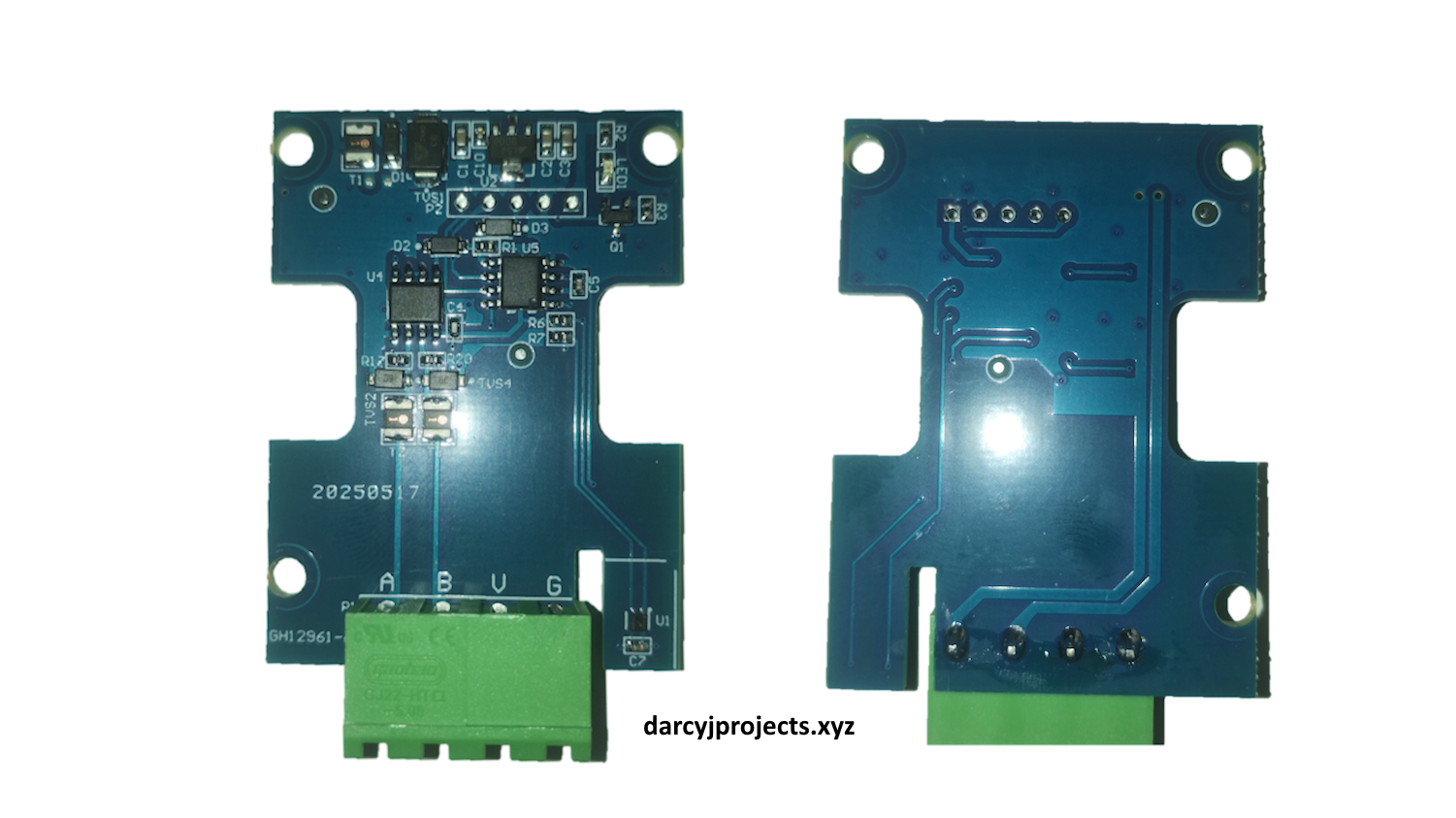
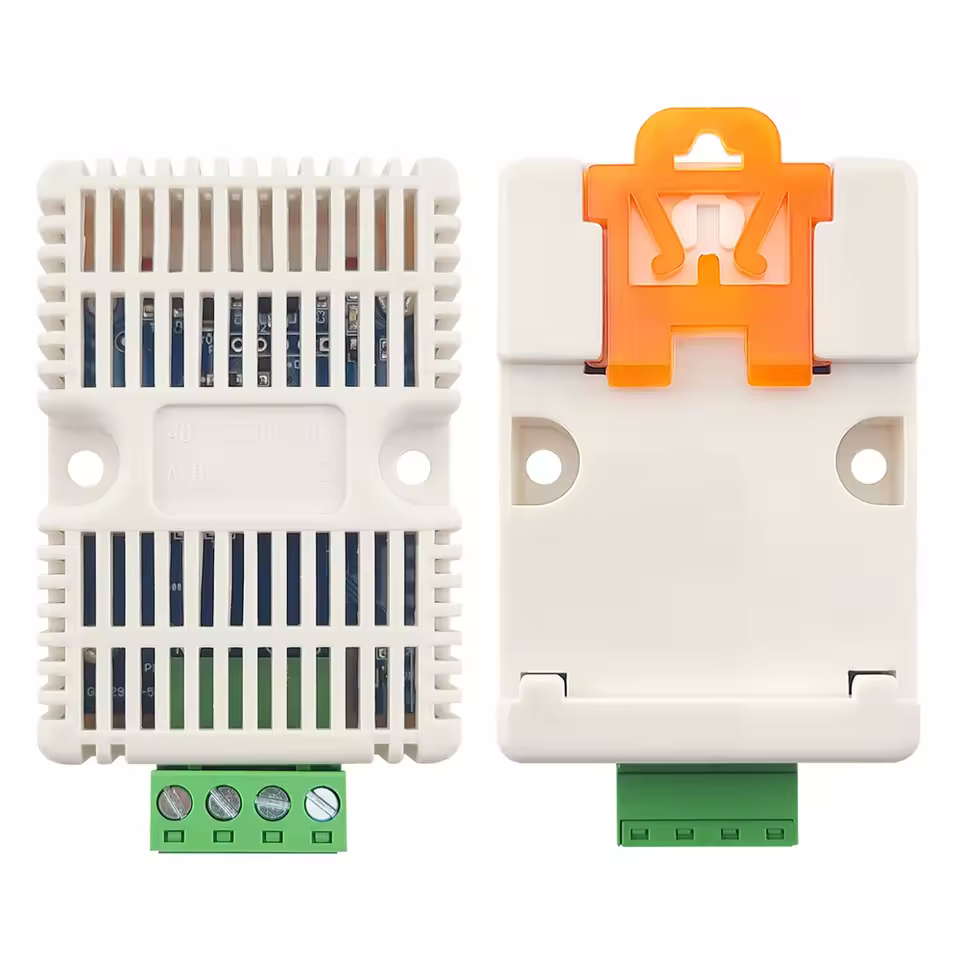
I recently picked up a very affordable SHT30 temperature and humidity sensor from AliExpress to use with my STM32 RS485 Modbus embedded controller project. I chose this particular unit because it had a built-in DIN-rail mount, communicated via Modbus RTU over RS485, and was a great candidate for testing hybrid master/slave communication on my controller.
As you might expect with ultra-budget hardware, documentation was practically non-existent – and that turned out to be the main challenge.
While digging around, I came across a GitHub repository linked in a YouTube video, which referenced a similar model number that was printed on the sensor (zts-3008-ws-n01). That repo included a copy of the manufacturer’s Windows configuration tool, which I used to successfully read and write the sensor’s baud rate and slave ID.
However, I’m not a big fan of using black-box software from an unknown source, so I decided to listen to the serial communications to work out what was going on behind the scenes.
Reverse Engineering
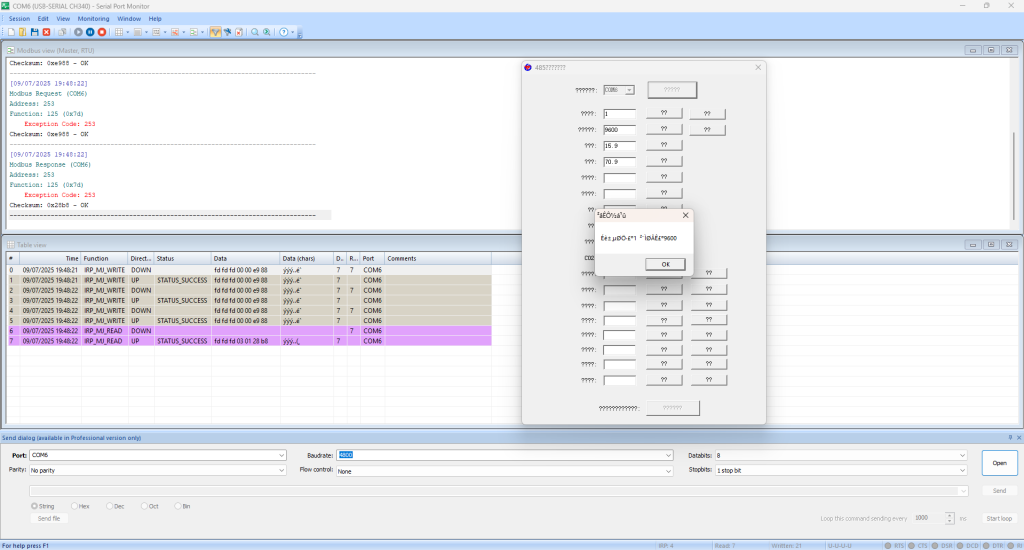
I used a serial port sniffer on Windows to capture communication between the configuration tool and the sensor. What I found was a simple 7-byte command protocol (not standard Modbus RTU) that wraps baud/slave configuration into a minimal frame.
What I found
The device accepts a custom 7-byte frame that looks like:
FD FD FD [baud ID] [slave ID] [CRC_L] [CRC_H]- Want to query the current baud and slave ID? Set both to
00and the sensor replies with the real values (in the same frame format, just with the values inserted). - Want to set a new baud rate? Set the slave ID to
00and the baud ID to what you wish to select (0x01for2400,0x02for4800,0x03for9600). - Want to set the slave ID? Just the opposite – set the baud ID to
00and pick a new slave ID.
It’s quite simple – just remember to append the CRC which is a standard Modbus RTU CRC16, little-endian, over the first five bytes.
Modbus Data Format
After setup, the sensor behaves like a regular Modbus RTU slave. It supports:
- Functions
0x03and0x04(Read holding/input registers) - Register
0x00= Relative Humidity - Register
0x01= Temperature
You’ll need to divide the value of the humidity and temperature by 10 to get the proper reading.
Full Protocol + Examples
I’ve documented the entire protocol in a GitHub README, including frame examples and register maps